

)
Genie streamlines access to machine software
Genie has introduced an enhanced machine software download experience through Serial Hub in the myGenieLift portal, making it faster and easier for customers and technicians to identify whether their Genie machines are running the most current software, and then download it for installation if necessary.
Using a machine’s serial number, Serial Hub displays only the latest recommended software files for each machine’s specific configuration. This targeted experience reduces the need to search across multiple sources, providing faster access to critical machine information, helping customers maximize uptime, improve efficiency, and keep equipment operating at its best.
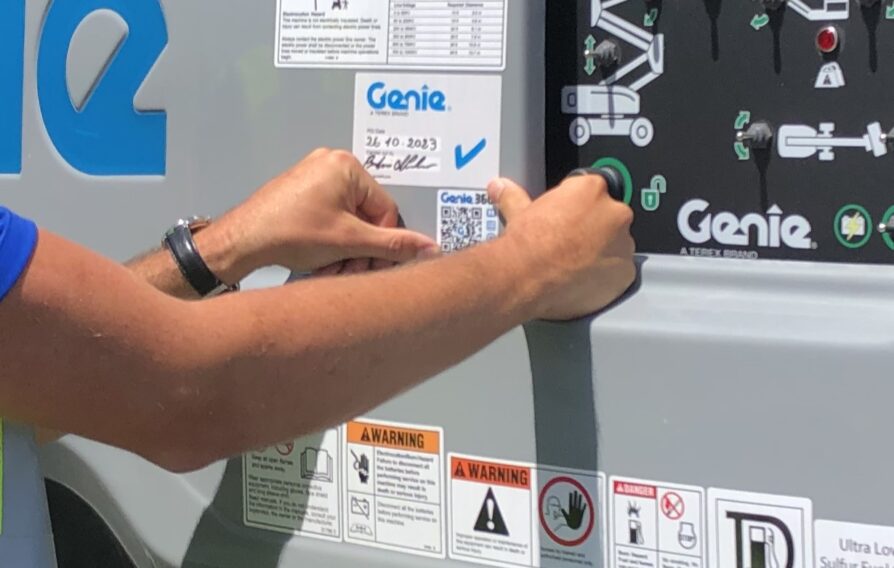
To use Serial Hub to find the latest software version, customers and technicians can sign in to the myGenieLift portal and select Serial Hub from the navigation menu or scan the QR code located on the machine. All current software files will be available for download in the software section of Serial Hub.
“By presenting the latest recommended software by default, Serial Hub eliminates manual searching and creates a more secure, efficient user experience,” said Dana Peters, director of Digital Services for Genie. “This improvement is part of Genie’s ongoing commitment, through our Genie 360 digital tools, to delivering intuitive, customer-focused tools that simplify machine management and service.”
Access to Serial Hub requires a myGenieLift account, and new users can complete a simple registration process to get started. Machine software will remain available on the Genie website throughout a transition period and will be fully migrated to Serial Hub as portal adoption increases.

ILH free trial
Click here to get your free copy of ILH magazine and the bi-weekly e-Newsletter
New Issue

ILH October 2026
In this month's issue